What's new
New features and improvements in Launch Point.
Release highlights
Routines
Blog planning and drafts
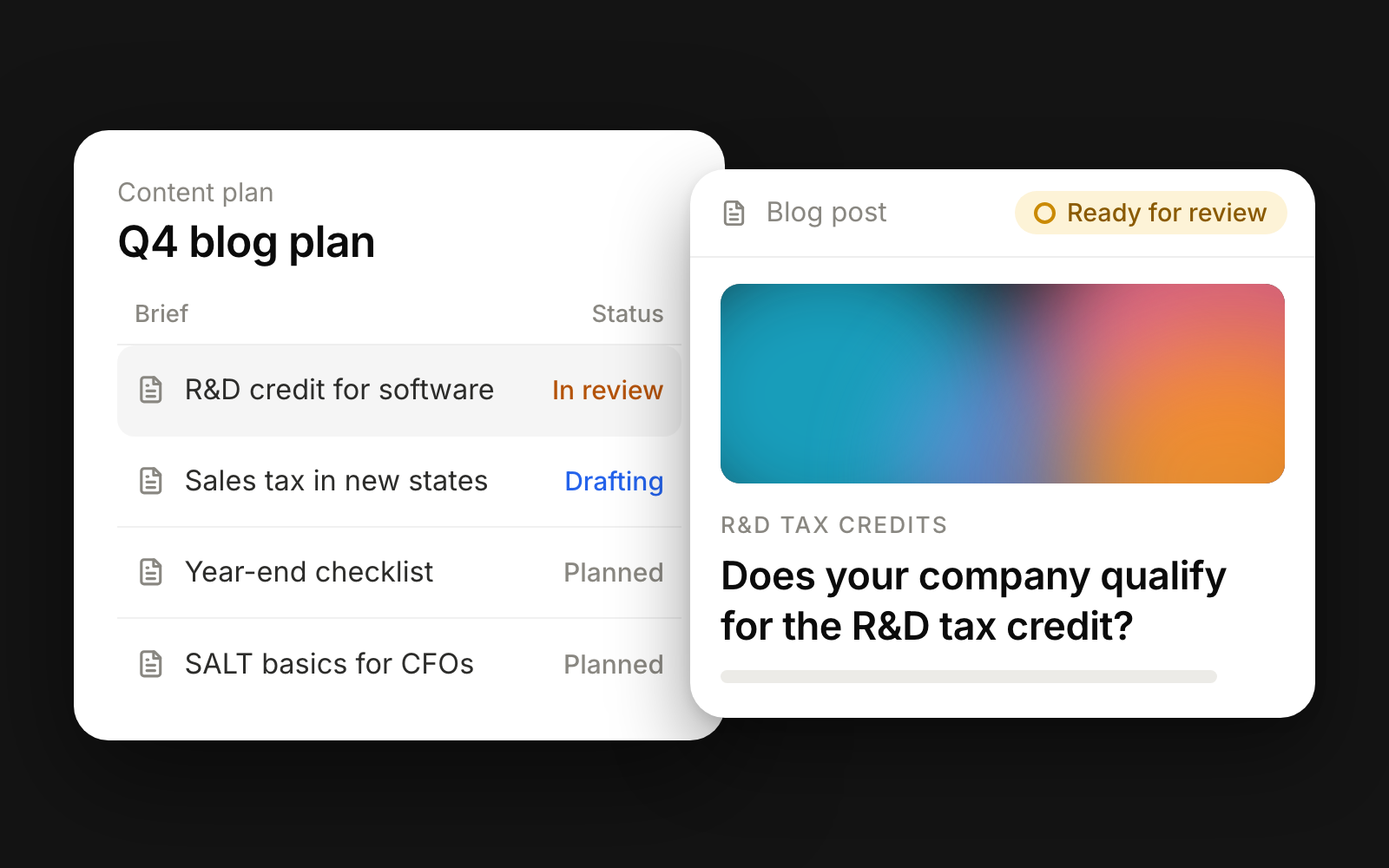
Draft your next blog post from a content plan, with the Next blog draft routine or by asking the chat. It never publishes itself.
Documents
Documents
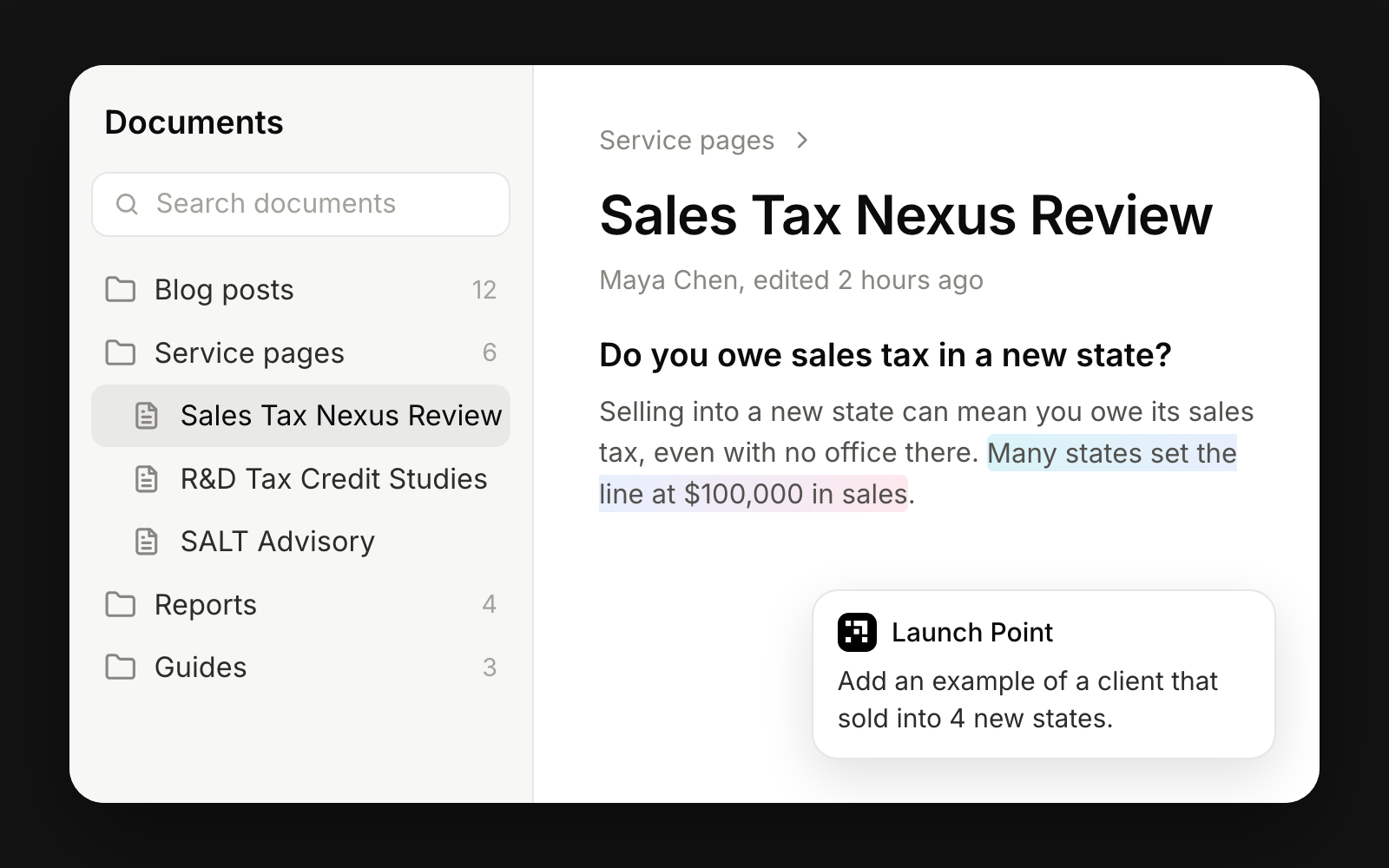
Documents is a new page in the sidebar where you write and organize long-form work in folders, and it saves as you type.
Routines
SEO site audit routine
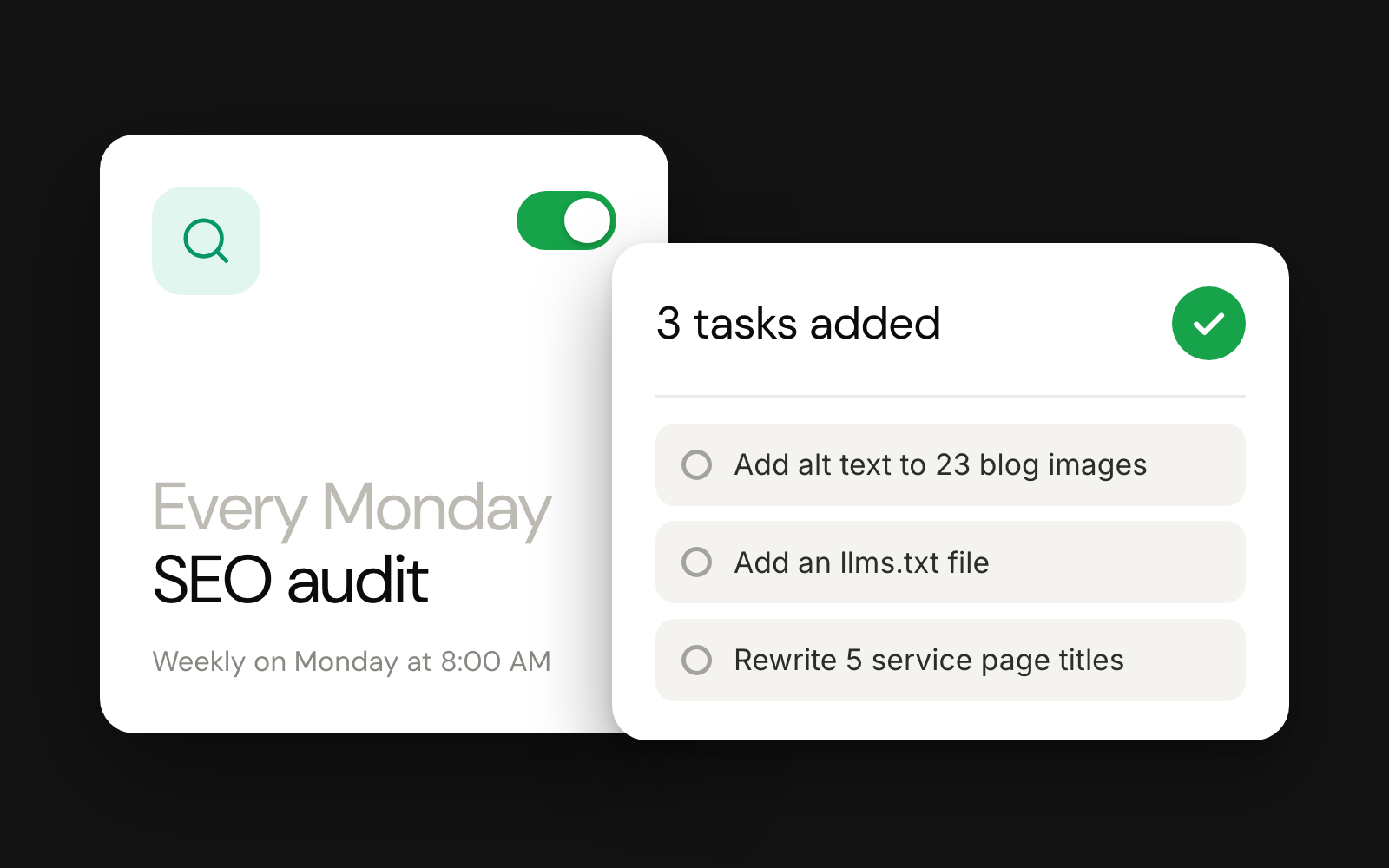
Routines now check your marketing on a schedule, starting with the SEO site audit, and turn what they find into Triage tasks.
Integrations
Integrations
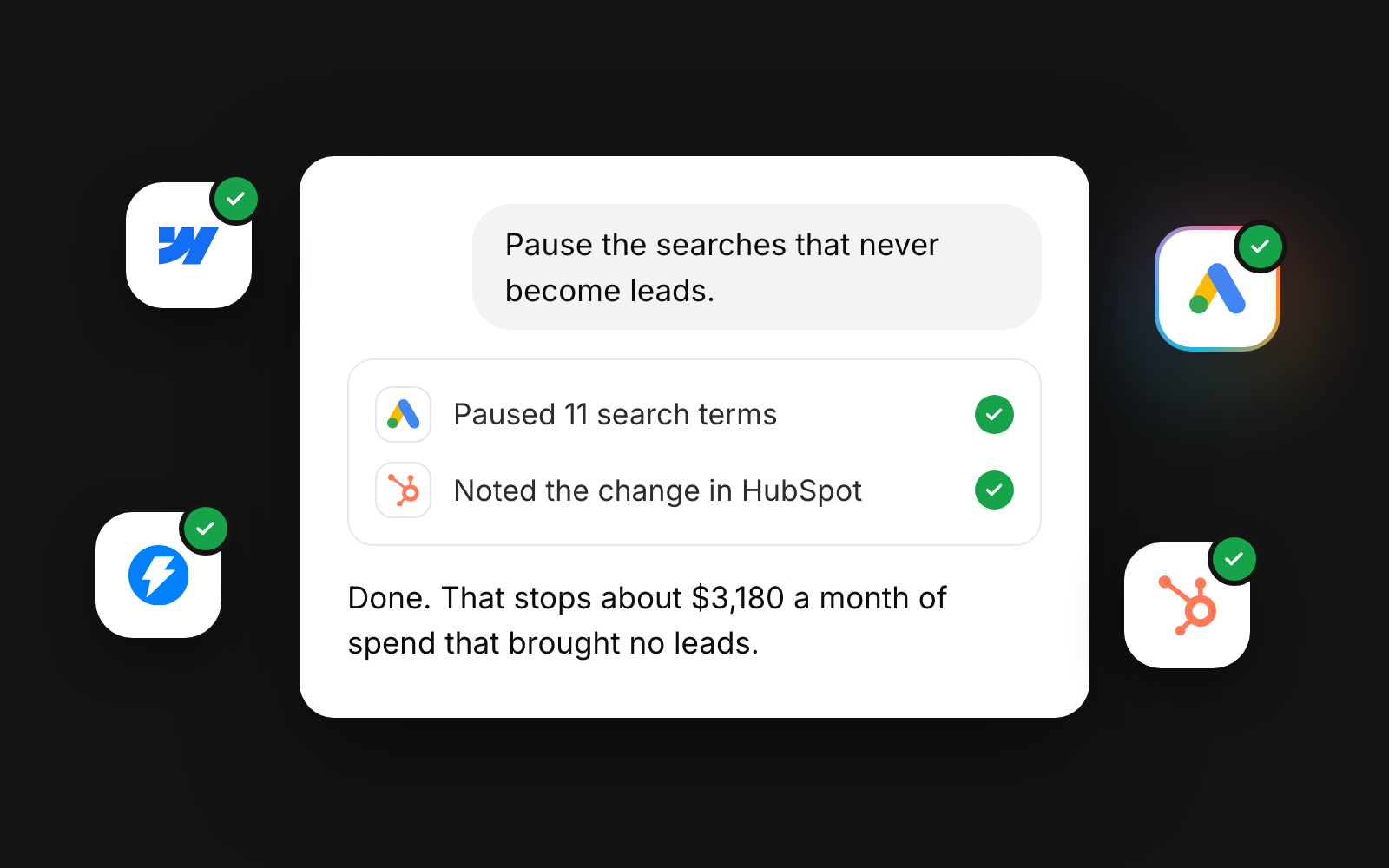
Connect your own marketing tool accounts on the Integrations page, and the chat can then work in them as you.
Chat
Channel chat
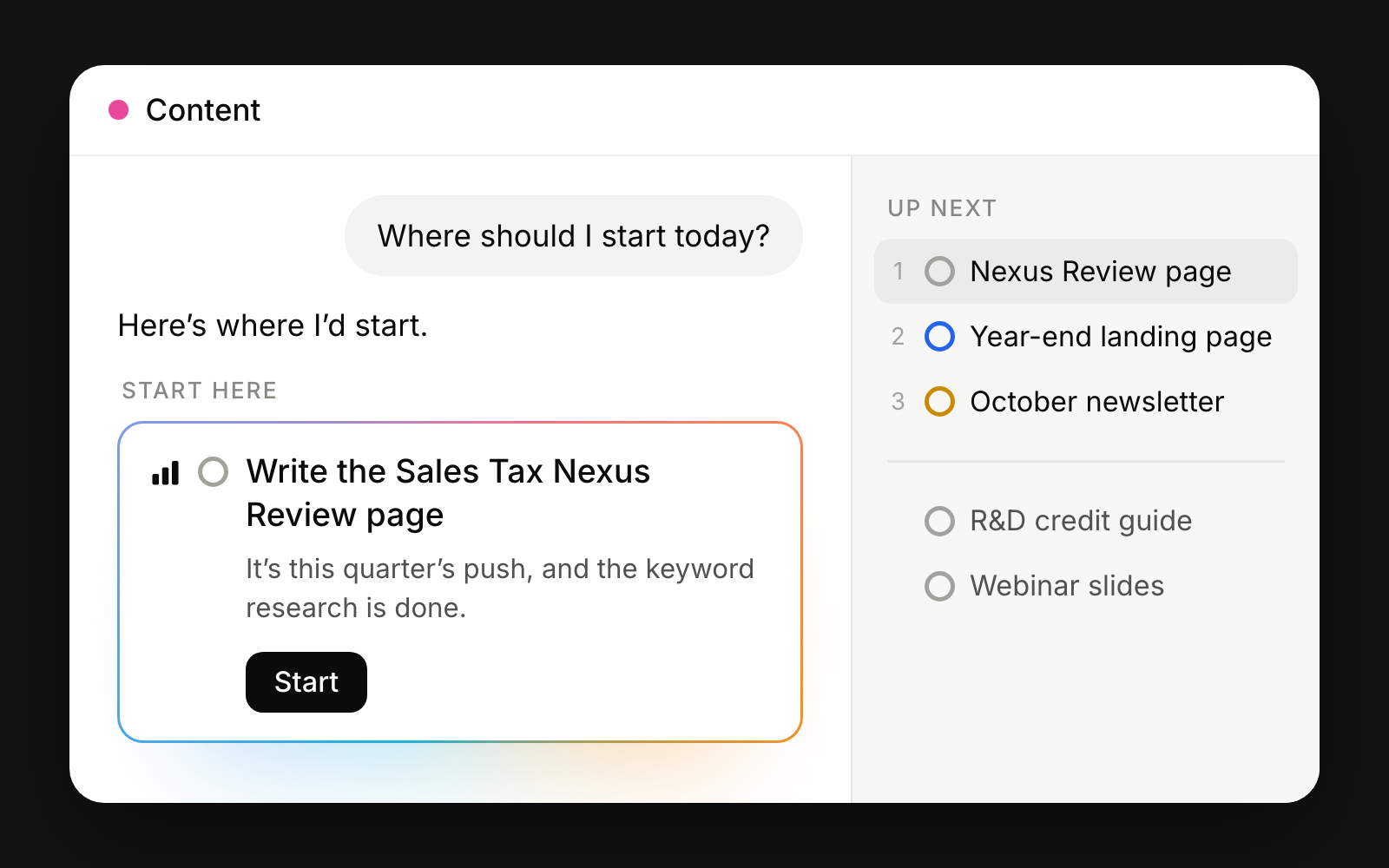
Every channel now has its own chat that knows its work, with a Start here card beside it showing which task to do next.
All updates
September 28, 2026
Google Ads routines
Three new routines watch your Google Ads account through PaidSync and warn you when money is being wasted.
Routines
September 28, 2026
Reply to pipeline routine
Reply to pipeline reads every human reply in Instantly and checks that positive ones became deals in HubSpot.
Routines
September 28, 2026
Guided workspace setup
A new workspace now starts with a guided setup that reads your website to draft your first knowledge base pages.
Workspace
September 27, 2026
Chats menu
Opening Launch Point now starts a new chat, and the Chats menu in the sidebar lists your recent ones with their status.
Chat
September 27, 2026
Hand off long replies
A slow reply keeps running when you leave the page, and you can hand a long one off as a task to pick up later.
Chat
September 27, 2026
Batch jobs
Ask the chat for a large job and it splits the work into batches that run as subtasks, with progress shown above the message box.
Chat
September 27, 2026
Approvals for tool actions
Set each connected tool's actions to need your approval, and an approval card appears in the chat before the action runs.
Integrations
September 27, 2026
SEO site audit routine
Routines now check your marketing on a schedule, starting with the SEO site audit, and turn what they find into Triage tasks.
Routines
No updates match. Try another search or clear the filters.